Install for Microsoft Excel Cloud
Updated Jan 27, 2026
Installing Formula Foundry and creating your account with Microsoft Excel Cloud:
STEP 1
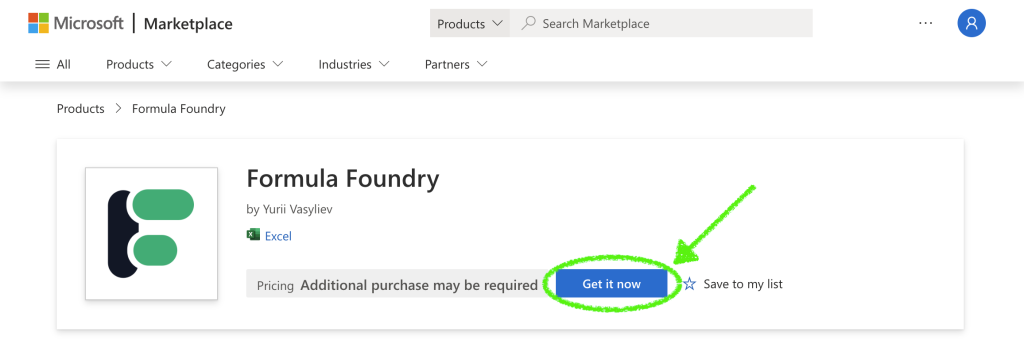
- Follow this link to the Formula Foundry “Microsoft | Marketplace” page
- Click the Get it now button to add Formula Foundry to your add-ins
STEP 2
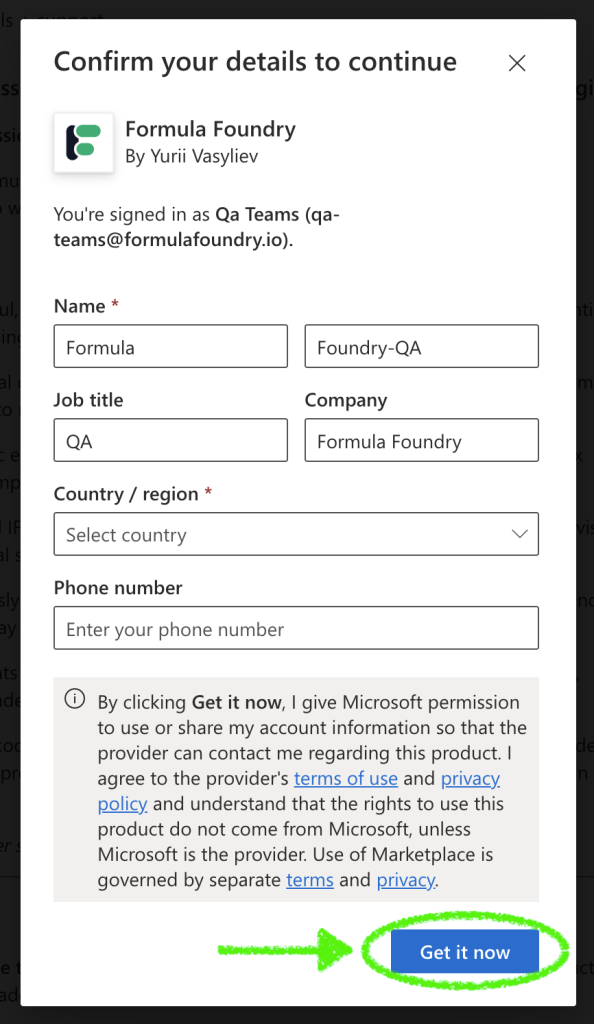
- Confirm your details you would like to use with Formula Foundry
- Click the Get it now button
STEP 3
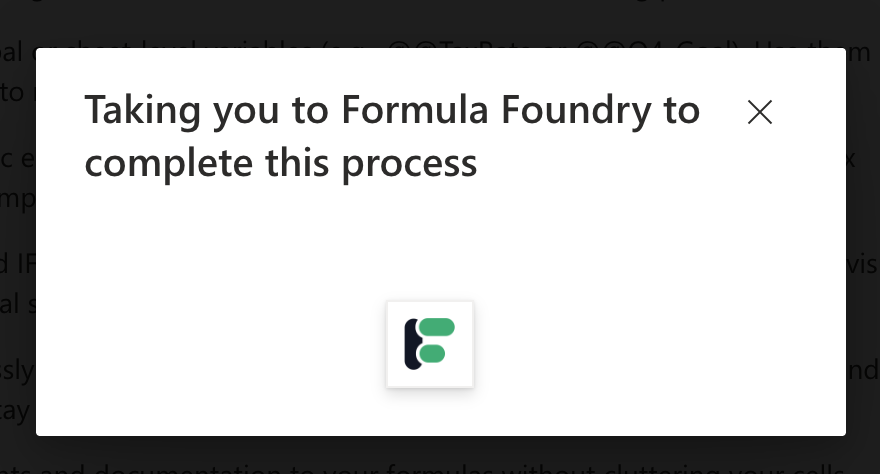
- You will see a pop-up while the add-in is installed
- When this pop-up closes, the add-in is installed, and the add-in page will load!
STEP 4
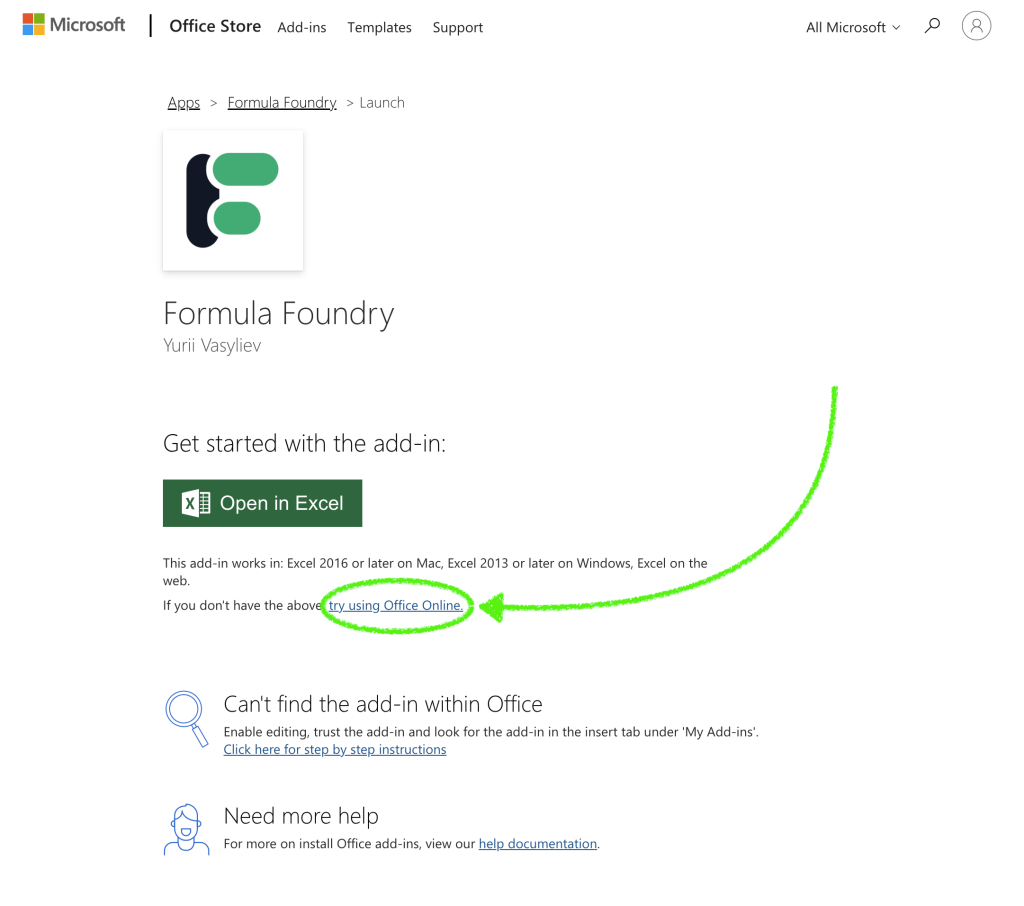
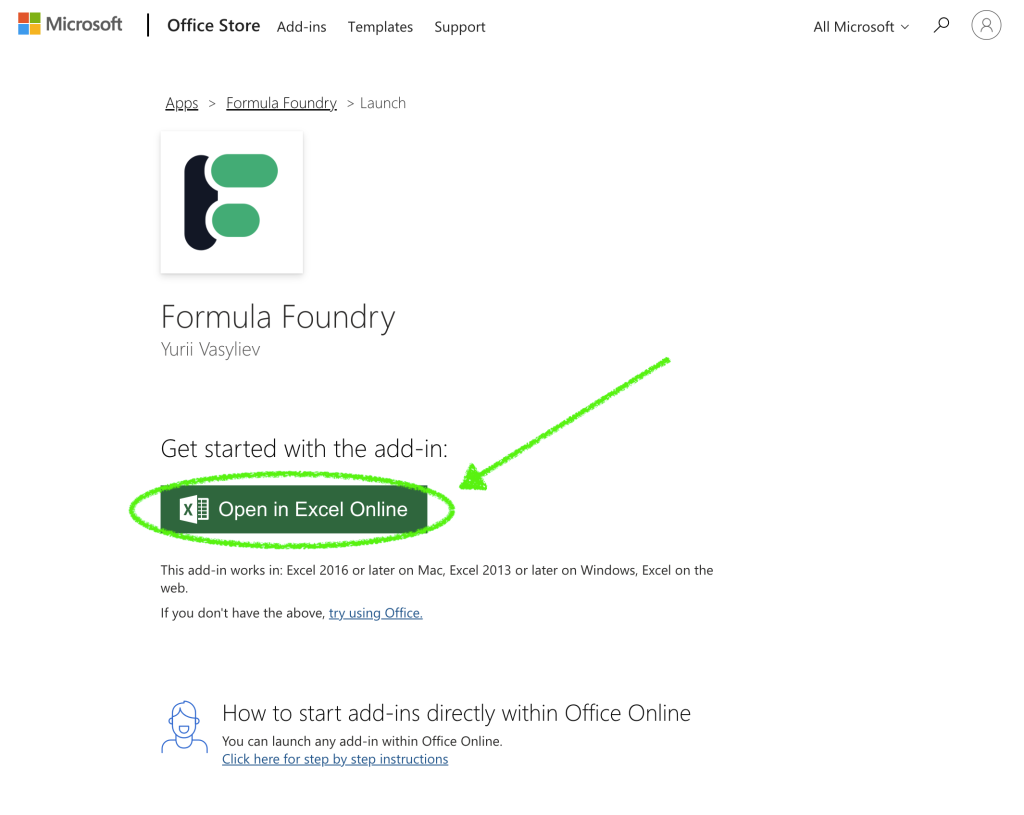
- Next, click the link “try using Office Online”
- The page will reload, and present a new green button, “Open in Excel Online”
- Click, “Open in Excel Online”
STEP 5
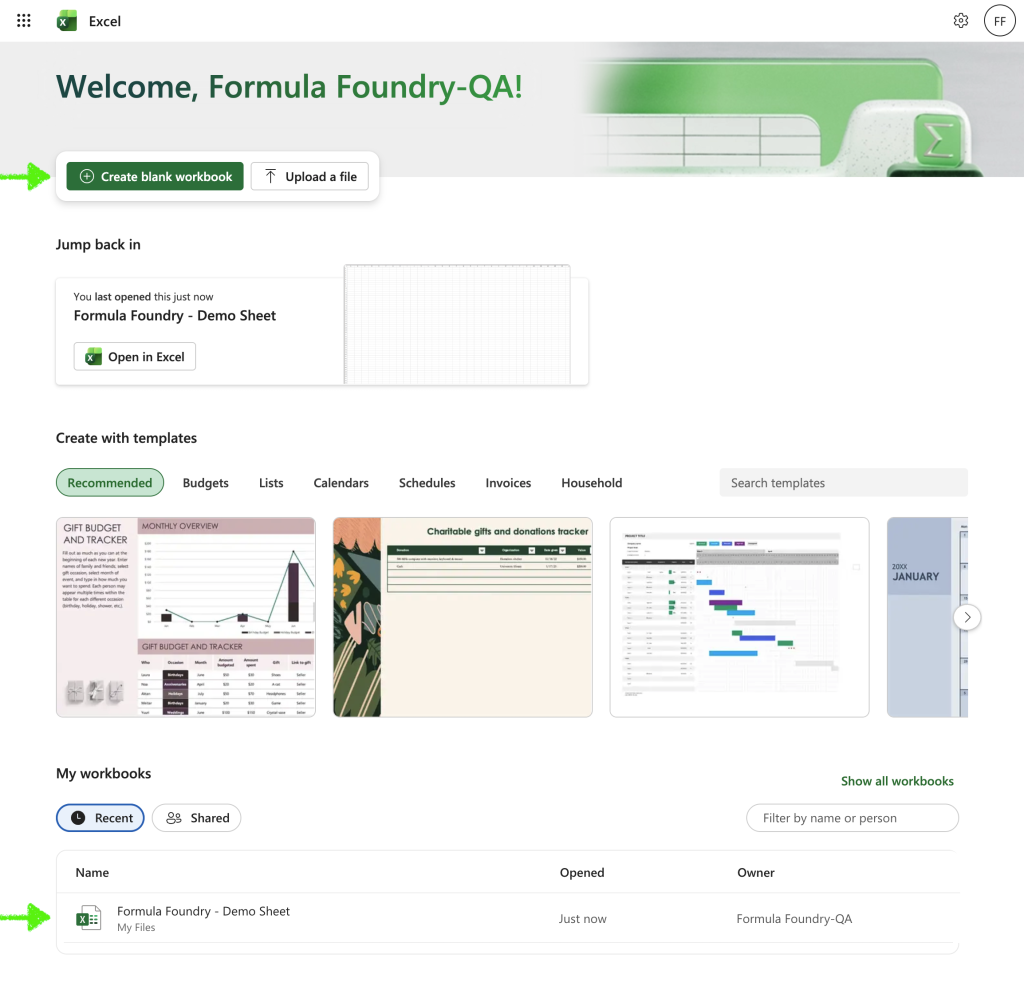
- After clicking “Open in Excel Online” Excel Cloud will open
(if it doesn’t, click this link to open Excel Cloud) - Next, open a new or existing sheet
STEP 5
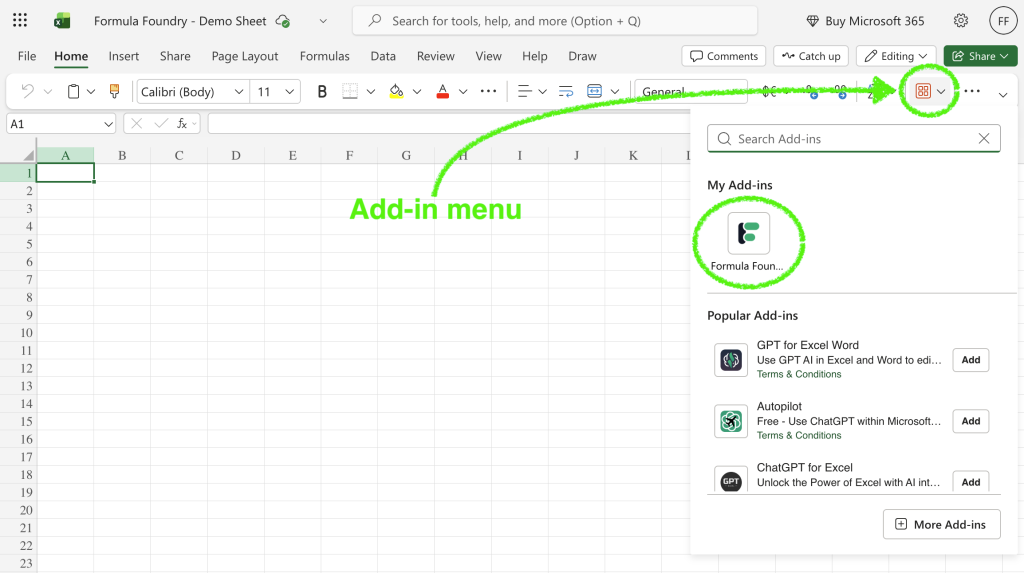
- Click the Add-in menu (if the menu is not visible, make your browser window wider)
- Select Formula Foundry
STEP 6
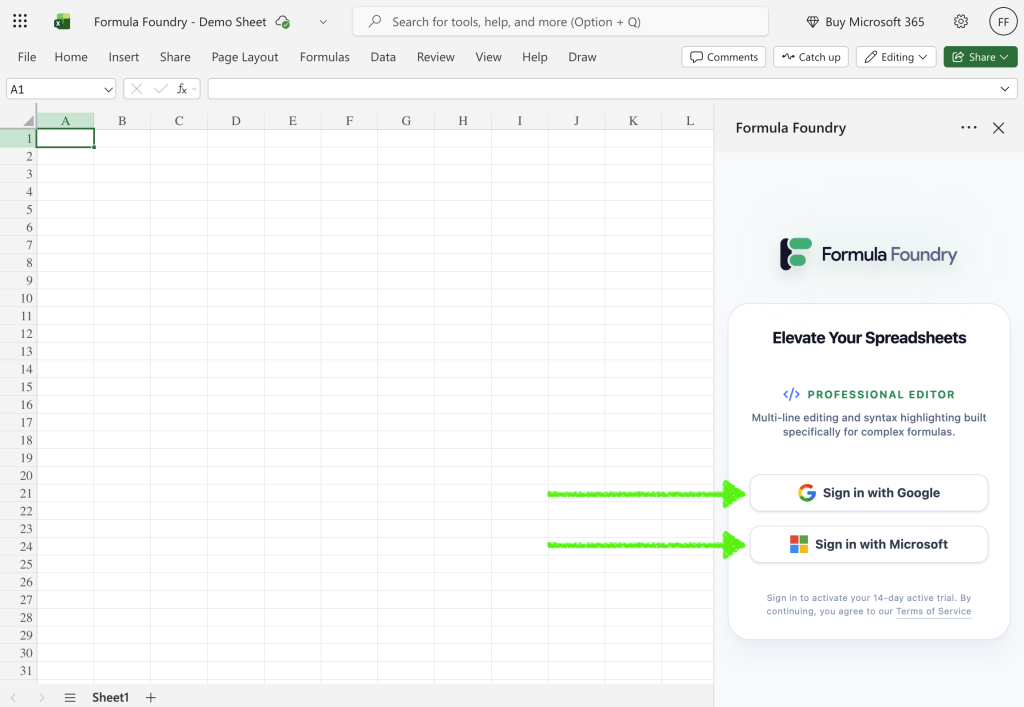
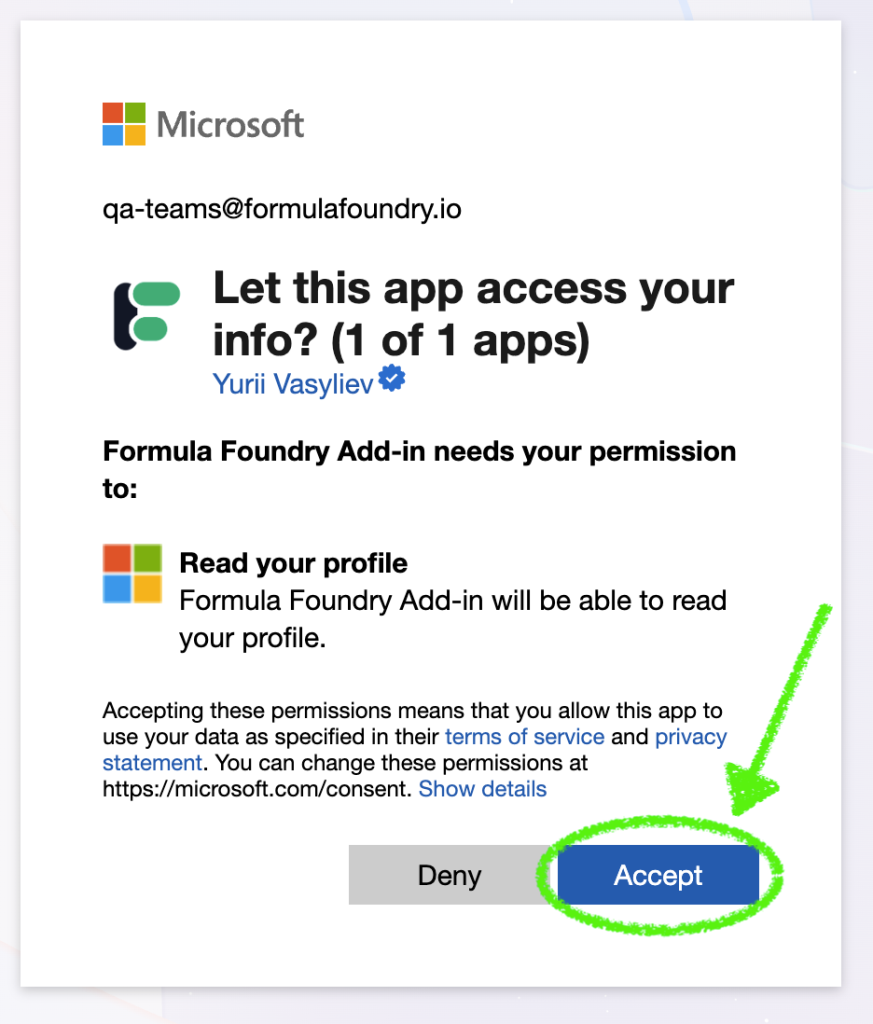
- Sign in to Formula Foundry using Microsoft of Google sign-in
- Click Accept to allow Formula Foundry access
Was this article helpful?
Thanks for your feedback!